


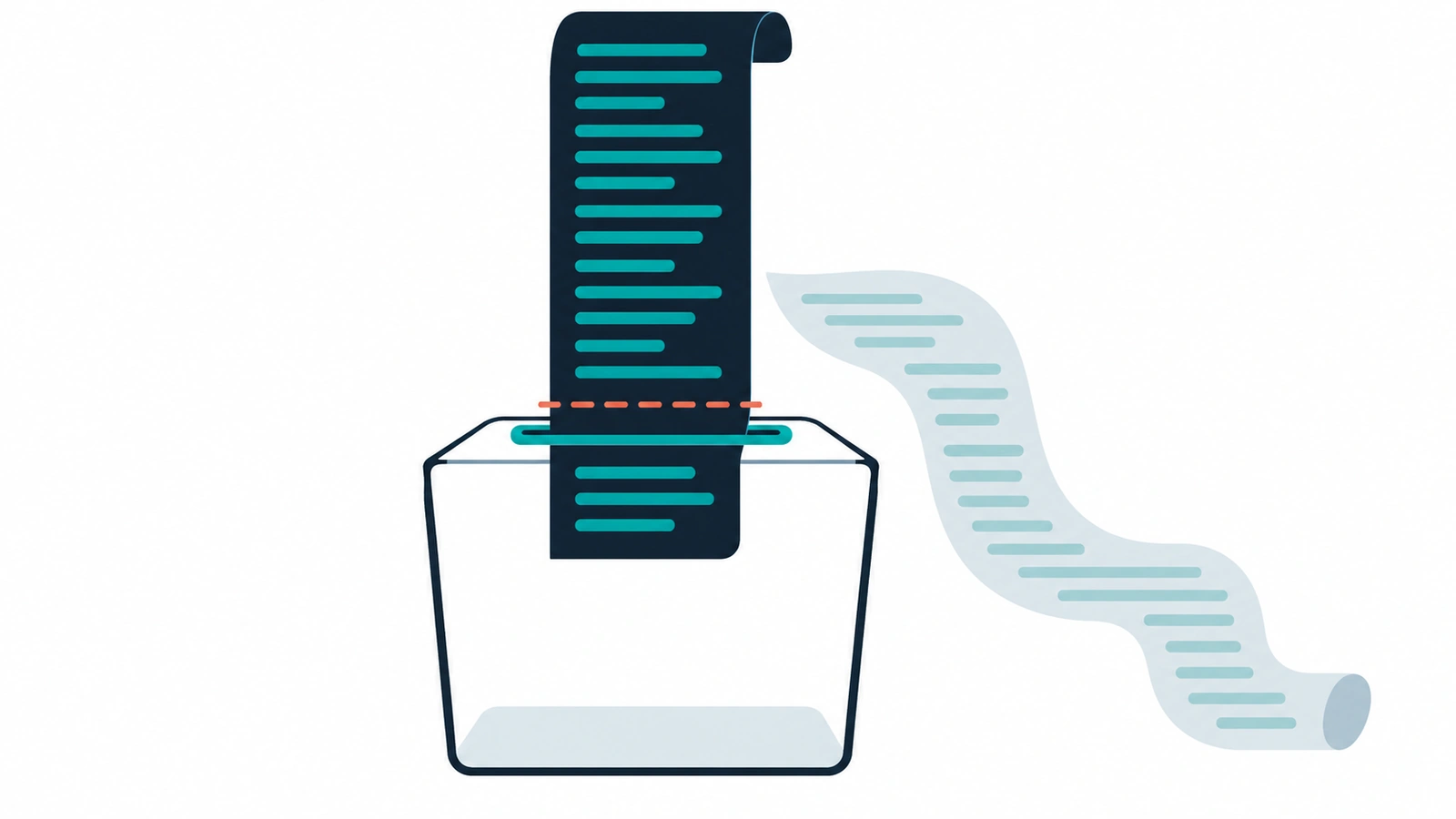
Models now advertise context windows of hundreds of thousands or millions of tokens, so it is tempting to assume page length no longer matters for AI. That assumption mixes up two different limits. The context window is how much the model can hold. The fetch limit is how much of your page the agent’s web tool hands to the model, and it is usually far lower. A long reference page, or a normal page buried under CSS and navigation, gets cut, and the agent answers from a fragment without knowing it.
What an LLM context window is
IBM defines a context window as “the amount of text, in tokens, that the model can consider or ‘remember’ at any one time.” Anthropic’s context window docs call it the model’s “working memory”, covering everything the model can reference, including the response it is writing.
For scale, IBM lists GPT-4o at 128,000 tokens and Gemini 1.5 Pro at up to 2 million. Anthropic lists a 1M-token context window for its newest Claude models.
Tokens are fragments of words. IBM says there is no fixed exchange rate, but “a decent estimate would be roughly 1.5 tokens per word.” Anthropic’s web fetch tool docs give a more useful anchor for docs teams: a large documentation page (100 kB) is about 25,000 tokens. From here on, this post sticks to characters, which is the unit the fetch tools and the spec use.
Bigger is not the same as better
Even when a whole page fits, length and position still matter. Anthropic’s docs say: “As token count grows, accuracy and recall degrade, a phenomenon known as context rot.” IBM, summarising research, notes that “models perform best when relevant information is toward the beginning or end of the input context”, and do worse when it sits in the middle.
So the top of your page carries more weight than the middle, before any truncation happens.
The limit that actually bites: the fetch pipeline
When an agent reads a URL, the model does not receive your page. It receives whatever the fetch tool passes on.
Claude Code is the best-documented example, though these are third-party analyses of a tool that changes. Mikhail Shilkov’s teardown of Claude Code’s web tools (October 2025) found that HTML is converted to markdown with the Turndown library, and “The result is truncated to 100 KB of text”. A smaller model (Haiku 3.5) then processes the content, under instructions that cap quotes from any source at 125 characters. Giuseppe Gurgone’s write-up of Claude Code’s web fetching (14 January 2026) describes the same small-model filtering and one exception: for about 80 pre-approved documentation domains, when the server returns Content-Type: text/markdown under 100,000 characters, the small model is skipped.
Other tools go much lower. The reference MCP fetch server has a default max_length of 5000 characters. A model can read further with start_index, but only if it decides to ask for the next chunk. The Agent-Friendly Documentation Spec points out that anyone on that default is “working with a limit 20x smaller than Claude Code’s.”
On the API side, Anthropic’s web fetch tool truncates at whatever max_content_tokens the developer sets, and “There is currently no default limit.” The effective cut-off depends on who built the integration.
You don’t control which tool reads your docs. The spec’s summary of what happens at the limit: “Truncation is silent: the agent doesn’t know it’s working with partial data.”
What a cut-off page looks like
The Agent Reading Test makes this visible. Its truncation page, as Better Stack describes it, is “a 150,000 character document” with canary tokens at 10K, 40K, 75K, 100K and 130K characters. Ask an agent to complete the task, then see which canaries it reports, and you know roughly where its pipeline stopped reading. It is worth running against whichever agent your own team uses.
The second failure: content that starts too late
Truncation spends its budget from the top of the converted page. If the top is boilerplate, the content never arrives.
The spec’s content-start-position check cites an observed case where “actual content didn’t start until 87% of the way through the output (441K characters of CSS before the first paragraph).” The Agent Reading Test has a “boilerplate burial” page with content after about 80K of inline CSS, and a separate “content start” page with real content buried after navigation chrome.
The usual causes on docs sites:
- inlined CSS
- long sidebars and mega-menus rendered before the article
- cookie and consent markup
- version pickers and other chrome above the first heading
The thresholds to aim for
The spec measures size after HTML is converted to markdown, since that is what the model receives:
- Page size (converted HTML, and your markdown version if you serve one): pass under 50,000 characters, warn at 50,000 to 100,000, fail over 100,000.
- Content start position: pass if documentation content begins within the first 10% of the converted output, warn between 10% and 50%, fail after 50%.
The spec calls these “conservative defaults based on the best-documented platform (Claude Code).” That is where the checklist’s “under ~100K chars” comes from. A page that passes at 50,000 characters can still be too long for an MCP fetch user on default settings.
What to do about long pages
- Split giant reference pages. One endpoint or one resource per page beats the whole API on one URL. Our post on agent-ready API docs goes further on structure.
- Serve a markdown version. Agents that get markdown skip the boilerplate entirely, provided they can find it. Our post on llms.txt for developer documentation covers how agents discover pages.
- Put the article first in source order. Move CSS out of inline blocks and render the content before the navigation.
- Front-load the essentials. State what the page is for, the prerequisites and the key call near the top. This also helps with the middle-of-the-context problem above.
One caution: a single “whole docs in one file” export works against all of this for an agent reading page by page. More on writing for limited reading budgets in technical writing best practices when reading is expensive.
How to check it
Forward this to an engineer:
URL=https://docs.example.com/reference/payments

# Raw HTML size and markdown size, in bytes (close to characters for mostly ASCII text)
curl -s "$URL" | wc -c
curl -s -H "Accept: text/markdown" "$URL" | wc -c

# Rough content start: byte offset of the first <h1> vs total size
curl -s "$URL" | grep -b -o -m1 "<h1" | cut -d: -f1
If the markdown is over 100,000 characters, split the page. If the first heading sits more than halfway through the raw HTML, the chrome comes first. This is a rough proxy: the spec measures position after HTML-to-markdown conversion. afdocs, the spec’s companion tool, runs the page-size and content-start checks properly with npx afdocs check https://docs.example.com.
The model’s context window is the vendor’s problem. What reaches it is yours. For the broader case, see why writing for humans and AI agents is a false choice.
Get the full checklist
“Fits the window” is one of 16 checks in our agent-ready docs checklist. It sits in the Read layer and is rated Important. Get the free checklist.
References
- IBM Think, What is a context window?
- Anthropic docs, Context windows
- Anthropic docs, Web fetch tool
- Inside Claude Code's Web Tools, WebFetch vs WebSearch (Mikhail Shilkov, October 2025)
- How Claude Code Eats the Web (Giuseppe Gurgone, 14 January 2026)
- MCP Fetch server README
- Agent-Friendly Documentation Spec (SPEC.md)
- Agent Reading Test repository
- Better Stack, The Agent Reading Test
- agent-docs-spec repository README