
Documentation workflow and automation services
Documentation workflows that keep your docs in sync with your product.
For software and technical-product teams that need their documentation workflow redesigned and automated with docs-as-code as the foundation, pipelines that do the repetitive work, and quality gates that catch problems before they ship.
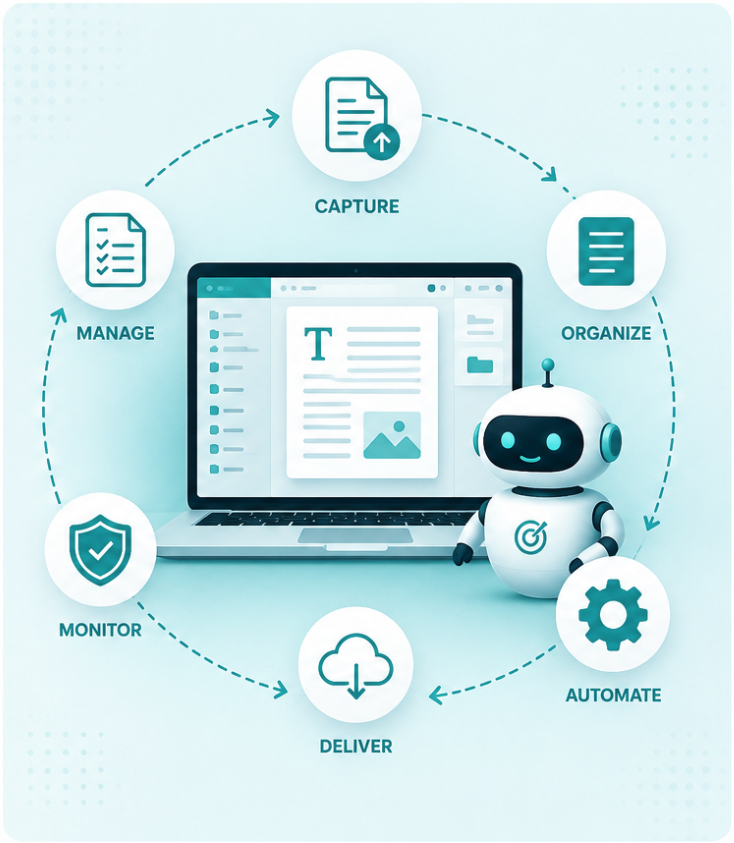
3 things that we bring
An engineering background, so the content thinks like a developer and respects how the product actually works.
Years of technical writing experience, so it reads like a person wrote it, not a spec dump.
Business owner mindset, so it is no-fluff reference when needed and a vibrant touch when it matters
See it in action

See a demo of a developer portal that you can have for your product, with all the features you need to make your users successful.
View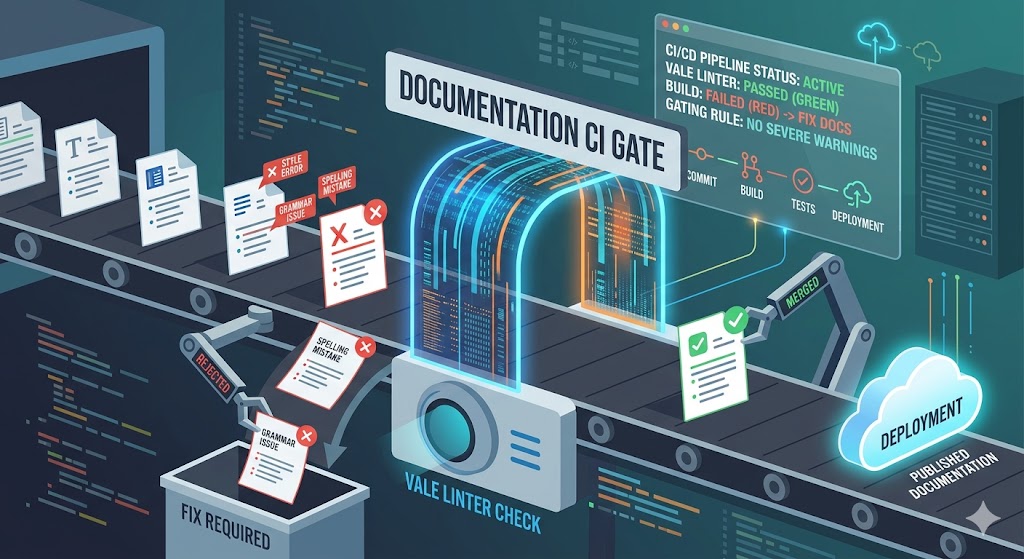
Read our blog post on how you can use Vale to catch style and terminology issues in your documentation before they ship, saving them time and money.
ViewWhat we write
- Tooling setup (Docusaurus, MkDocs, Starlight, Mintlify)
- Migration off Wix, Confluence, or Notion
- Versioning and deployment pipelines
- Multi-step agentic pipelines
- Release notes
- Changelogs
- Migration & upgrade guides
- Code-sample testing
- Publish on merge
- Automated screenshots
- Style and terminology linting
- Agent skills that encode your style and structure
- Broken-link checks in CI
- Documentation-coverage gates
Looking for API or SDK reference specifically? API or SDK reference
Example workflow — release notes
What end-to-end looks like
Instead of an writing release notes by hand each release, the workflow does the repetitive part and hands you a draft to review.
01 · Source
Commits or Jira
Well-formed inputs
02 · Draft
Pipeline drafts
Generated automatically
03 · Review
You review & edit
Human in the loop
04 · Publish
Publishes on merge
Live and in sync
The same pattern runs your API reference, changelogs, and consistency checks; automate the repetitive work, keep a human reviewing what ships.